Built for working flight crews

Bid smarter. Keep the rest organized.

Advanced bidding, schedule and pay tracking, a digital logbook, and calendar sync—together on the web and supported devices.

Verified crew access Web + iPad Google + Apple calendars

Schedule Bidding

More context for every line—and every decision.

Build a smarter bid with tools that look beyond a single sort field or a static line list.

  • Sort using multiple criteria at once. Weight the parts of a line that matter most and compare the full list in one pass.
  • See vacation impact on individual lines. Understand how scheduled vacation changes the value and shape of each option.
  • Stay ahead of bidding events. Set reminders for opt-in deadlines, bid milestones, and restoration windows.
  • Preview seniority elsewhere. Explore how your position compares across fleets, seats, and domiciles.
Bid Solver line sorting workspace showing weighted criteria and bid lines
Multi-sort line workspaceWeb preview

System Bidding

Compare your seniority across the system.

Choose a target fleet, seat, and domicile, then see projected seniority, years-on-property distribution, VTO or VOR holding position, and which lines remain within reach.

System Bid Planning view for 747 Anchorage first officers showing fleet count, projected seniority, years-on-property distribution, VTO and VOR holding position, and bid lines marked by senior-pilot availability
Seniority, holding position, and line availability in one viewSwipe to inspect on smaller screens

Schedule Management

Turn an awarded line into a schedule you can actually use.

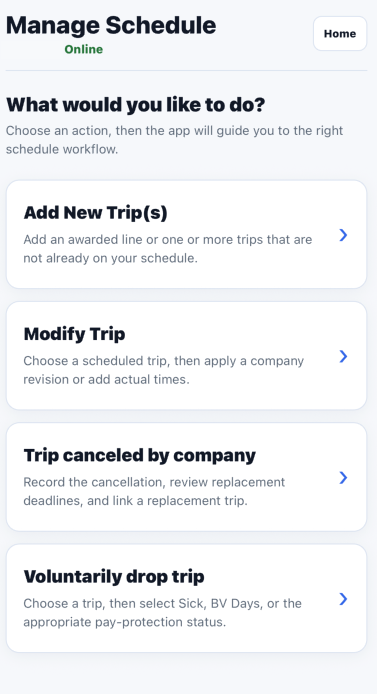
Keep trips, revisions, actual times, and the records they affect connected from the first import through the end of the pay period.

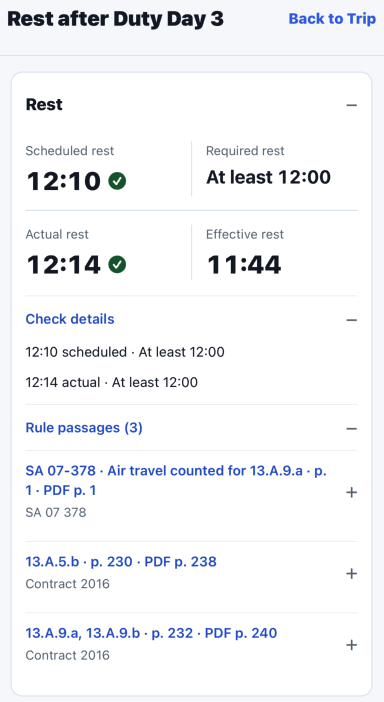
  • See the complete trip in one place. Review duty days, flight legs, local and UTC times, rest, and operating details without rebuilding the schedule.
  • Keep schedule revisions distinct from actuals. Preserve meaningful schedule changes while adding completed-flight times for trip and pay auditing.
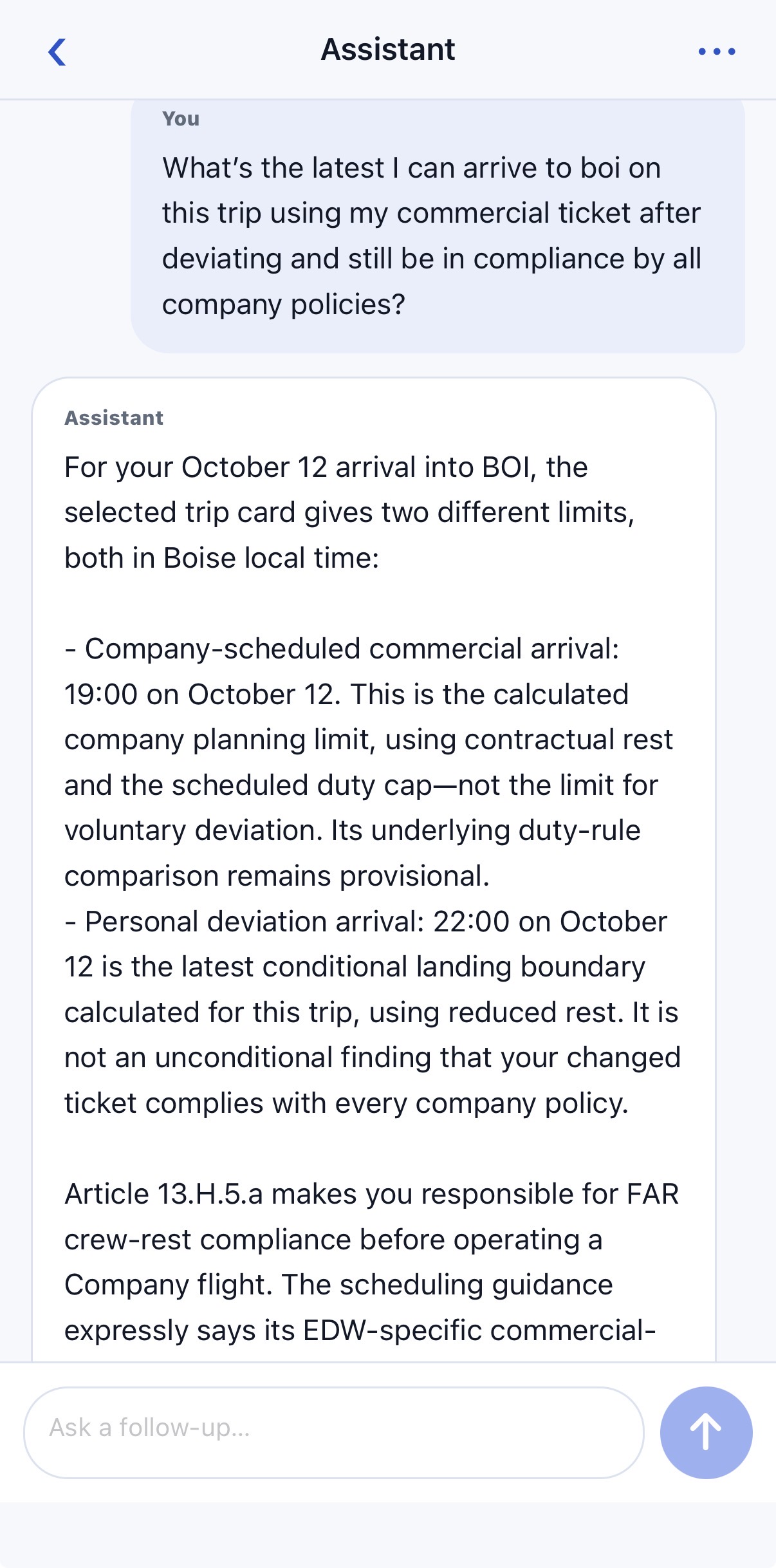
  • Understand operational limits. Surface crew-duty deadlines, rest information, and other trip context alongside the affected duty.
  • Carry the schedule forward. Connect completed trips to the logbook, calendar subscriptions, and calculated pay-period credit.

Calendar Sync

Create shareable calendar events that stay in sync.

Publish your schedule to Google Calendar or Apple Calendar and share it with the people who need it. When your schedule changes, the subscribed calendar updates automatically.

  • Share with family.
  • Sync schedule revisions.
  • Keep local + UTC details.
Shared calendar event showing a scheduled flight with local and UTC departure and arrival details
Shareable schedule eventCalendar preview

Pay Tracking

From schedule change to paycheck, every credit accounted for.

Follow the running ledger from your original bid through drops, carry-in trips, protection, and completed-trip audits—then reconcile the result against the checks that paid it.

  • Credit ledger.
  • Protection + carry-ins.
  • Trip-level audits.
  • Paycheck reconciliation.

Beyond the bid

One place for the rest of the job.

Keep the information you use throughout the month connected and easier to review.

01

iPad Bid Solver

Work your bid from the dedicated iPad app and keep it aligned with your website account.

TestFlight beta available
02

Schedule Tools

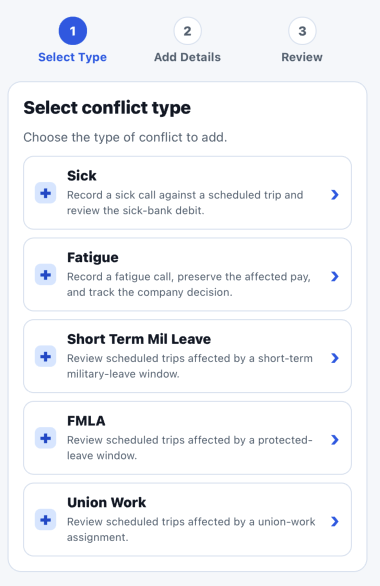
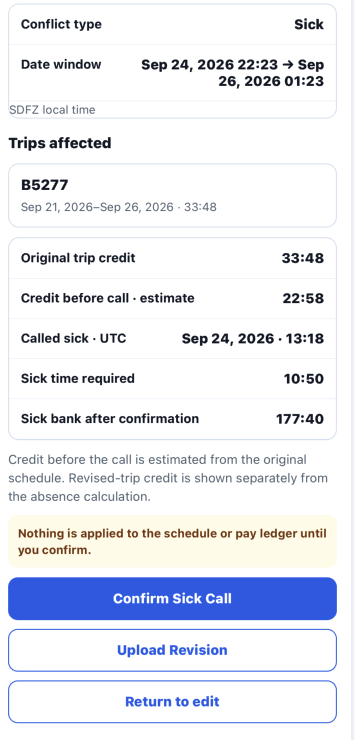
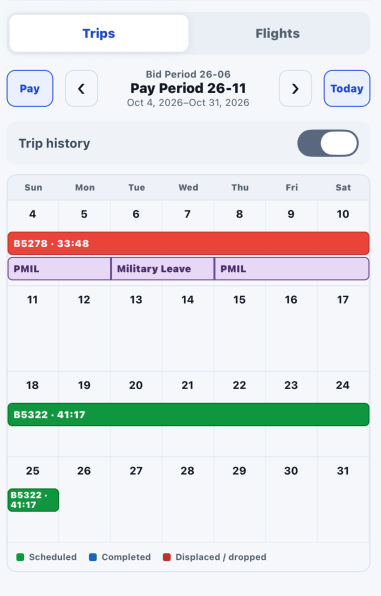
Review trips, duty details, schedule changes, and conflicts in a crew-focused workspace.

Trips · duties · conflict review
03

Calendar Sync

Keep your work schedule available in Google Calendar or Apple Calendar without rebuilding it by hand.

Google Calendar · Apple Calendar
04

Digital Logbook

Maintain flight records, operating roles, landings, and actual times alongside your schedule.

Flight time · roles · notes
05

Pay Tracking

Follow calculated trip credit from the original bid through schedule changes, completed-trip actuals, and pay-period adjustments.

Trip credit · revisions · pay-period ledger